



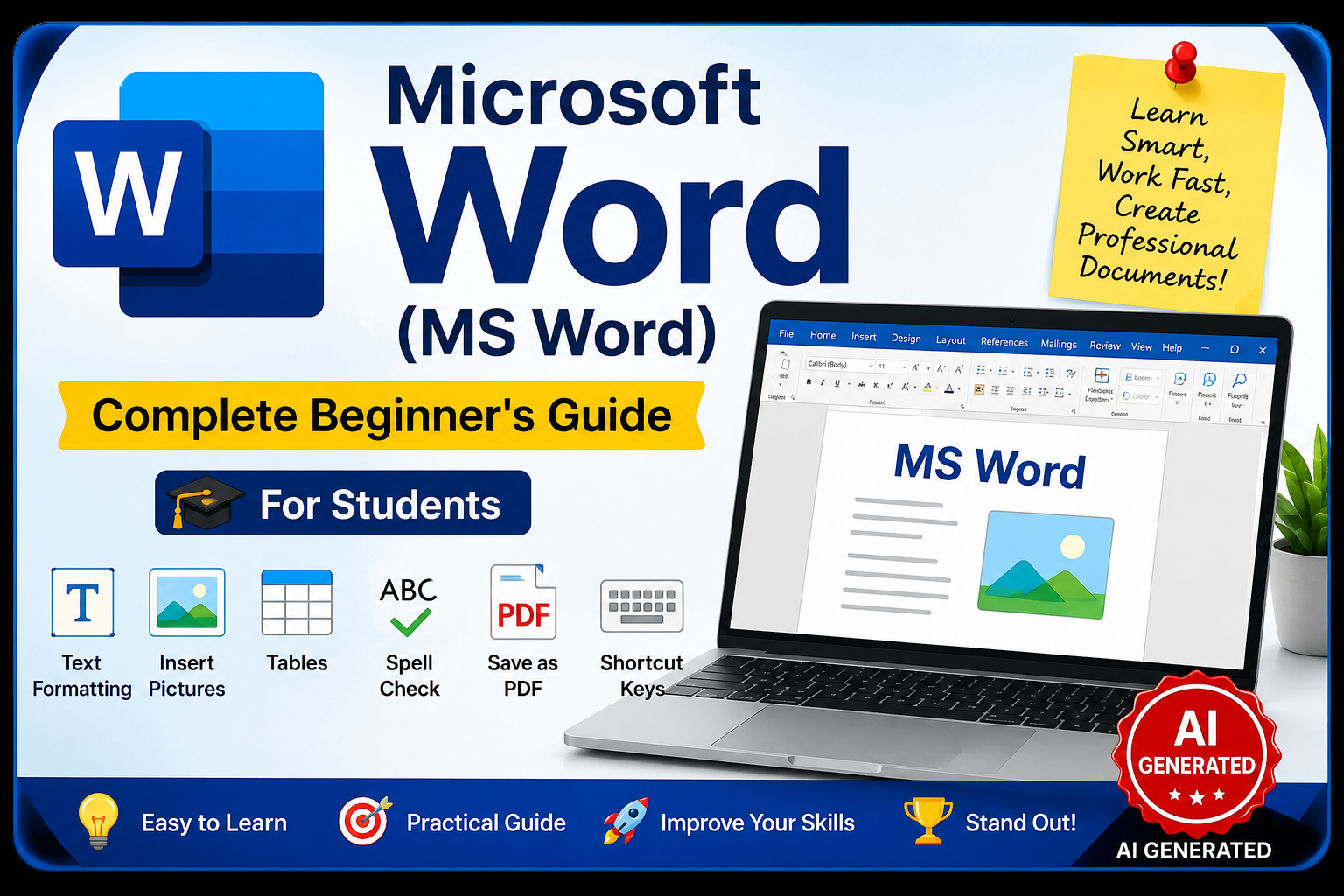
Microsoft Word (MS Word): Learn Like Never Before!
✍️ Written By: Shiv Dyal
Founder – Divine Solution Computer Center
Category: Computer Education / Technology
Published On: July 20, 2026
📚 Imagine This…
Tomorrow is your school project submission.
Your teacher asks everyone to submit a well-designed assignment with a cover page, colorful headings, pictures, page numbers, and proper formatting.
Some students spend hours trying to make their project look neat.
But one student finishes everything in just 30 minutes!
How?
Because that student knows Microsoft Word (MS Word).
That’s the power of MS Word.
Whether you’re writing a school assignment, preparing a college project, making a resume for your dream job, or creating a business report, Microsoft Word is one of the most useful computer applications you’ll ever learn.
So, let’s explore this amazing software together!
💻 What is Microsoft Word?
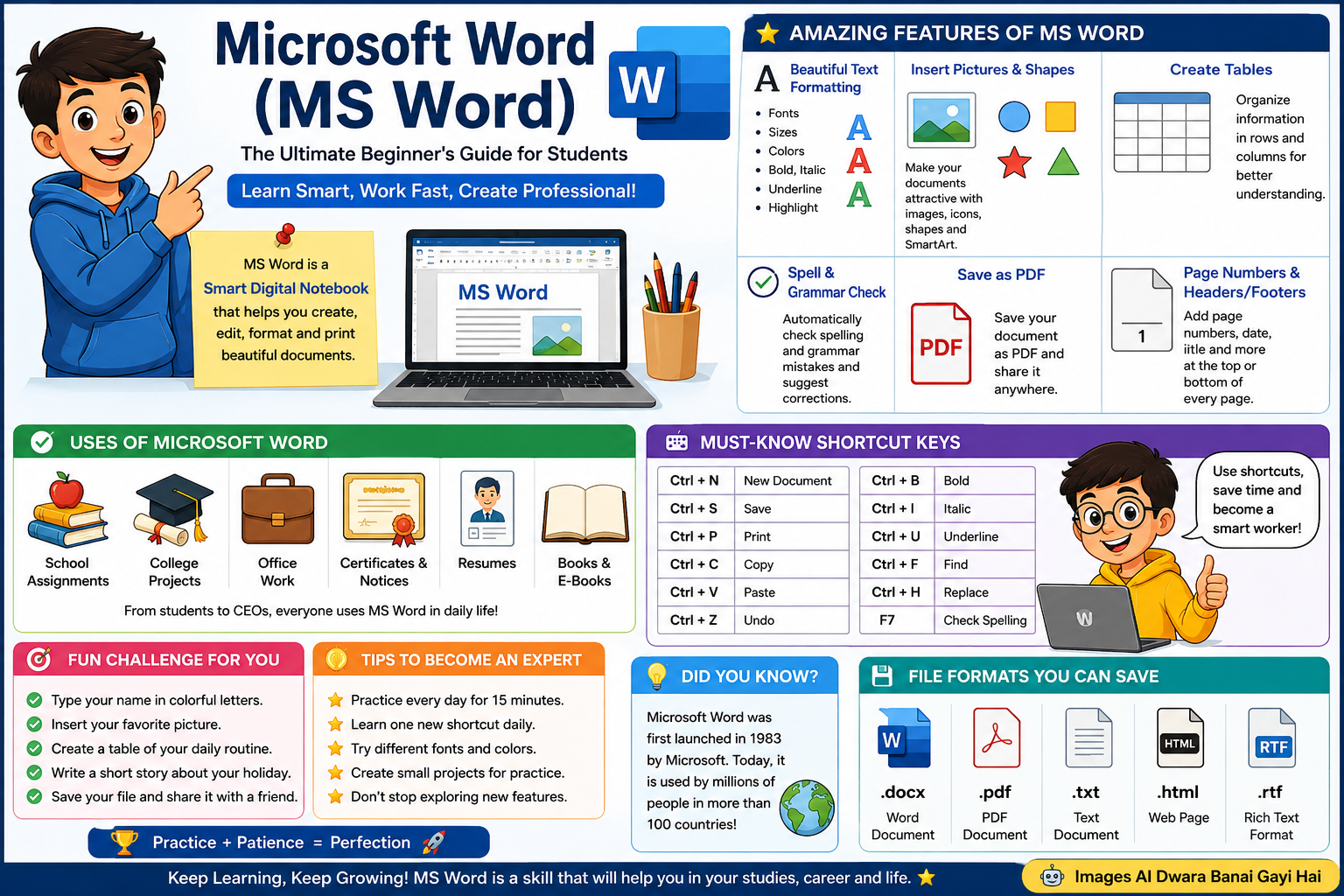
Microsoft Word (MS Word) is a word processing software developed by Microsoft that helps users create, edit, format, save, and print documents professionally.
In simple words…
👉 MS Word is like a digital notebook—but much smarter!
Instead of writing with a pen, you can type on your computer and instantly make your document beautiful using colors, fonts, pictures, tables, icons, and many other exciting tools.
🌍 Why is Microsoft Word So Popular?
Think about this…
Every day, millions of people use Microsoft Word to create:
📄 School Assignments
📚 College Projects
💼 Office Reports
📃 Business Letters
📑 Certificates
🎓 Resumes
📢 Notices
📖 Books
From students to CEOs, almost everyone uses Microsoft Word.
🎯 Why Should Every Student Learn MS Word?
Learning MS Word isn’t just another computer topic.
It is a life skill.
When you know Microsoft Word, you can:
✅ Finish assignments faster
✅ Make attractive project files
✅ Impress your teachers
✅ Create professional resumes
✅ Prepare for office jobs
✅ Improve your computer knowledge
💡 Did You Know?
Many companies expect basic MS Word knowledge before hiring fresh candidates.
📖 A Short Story…
Rahul and Aman were classmates.
Both received the same assignment.
Rahul wrote everything by hand.
Aman created his assignment in Microsoft Word.
He added:
✔ A colorful title
✔ Images
✔ A table
✔ Page numbers
✔ Beautiful headings
When the teacher checked both assignments…
Guess who received better marks?
Exactly!
Because presentation matters, and Microsoft Word helps you present your work professionally.
✨ Amazing Features of Microsoft Word
Imagine having a magic toolbox for your documents.
That’s exactly what MS Word offers.
🖋️ Beautiful Text Formatting
Want your heading to look bigger?
Need colorful text?
Want important points in bold?
No problem!
MS Word lets you change:
- Font Style
- Font Size
- Font Color
- Bold
- Italic
- Underline
- Highlight
within seconds.
🖼️ Insert Pictures
A project without images looks boring.
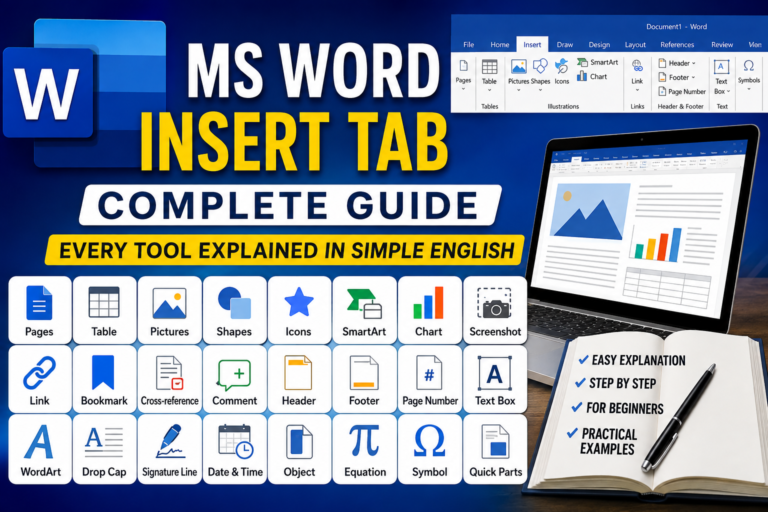
With Microsoft Word, you can easily insert:
📷 Pictures
🎨 Shapes
⭐ Icons
📊 Charts
🧠 SmartArt
making every document attractive.
📊 Create Tables
Need to organize information?
Use tables for:
✔ Student Marks
✔ Attendance
✔ Fee Records
✔ Timetables
Everything becomes clean and easy to read.
✍️ Spell & Grammar Check
Have you ever typed a wrong spelling?
Don’t worry.
MS Word acts like your personal English teacher.
It highlights spelling mistakes and even suggests the correct words.
📄 Save as PDF
Need to send your project online?
Simply save your Word document as a PDF with just a few clicks.
🎨 Fun Challenge
Open Microsoft Word today and try creating:
✅ Your Name in colorful letters
✅ A one-page resume
✅ Your weekly timetable
✅ Your favorite holiday story
You’ll be surprised how easy and fun it is!
⌨️ Shortcut Keys Every Student Must Know
Learning shortcut keys saves time and makes you work like a professional.
| Shortcut | Function |
|---|---|
| Ctrl + N | New Document |
| Ctrl + S | Save |
| Ctrl + P | |
| Ctrl + C | Copy |
| Ctrl + V | Paste |
| Ctrl + Z | Undo |
| Ctrl + B | Bold |
| Ctrl + I | Italic |
| Ctrl + U | Underline |
| Ctrl + F | Find |
| Ctrl + H | Replace |
| F7 | Check Spelling |
💡 Pro Tip: Try using these shortcuts every day. Within a week, you’ll notice how much faster you work.
🚀 Tips to Become an MS Word Expert
✔ Practice every day for at least 15 minutes.
✔ Learn one new shortcut key daily.
✔ Create small projects for fun.
✔ Experiment with fonts and colors.
✔ Try designing certificates and resumes.
Remember…
Practice makes perfect!
🎓 Final Thoughts
Microsoft Word is much more than a typing application.
It is a tool that helps you express your ideas professionally.
Whether you’re a beginner or an advanced learner, mastering MS Word will help you throughout your school, college, career, and professional life.
So don’t just read about Microsoft Word…
Open it. Explore it. Practice it. Master it.
Your future self will thank you!
✍️ Author: Shiv Dyal
Founder – Divine Solution Computer Center
Website: EntertainmentDhamaka.com